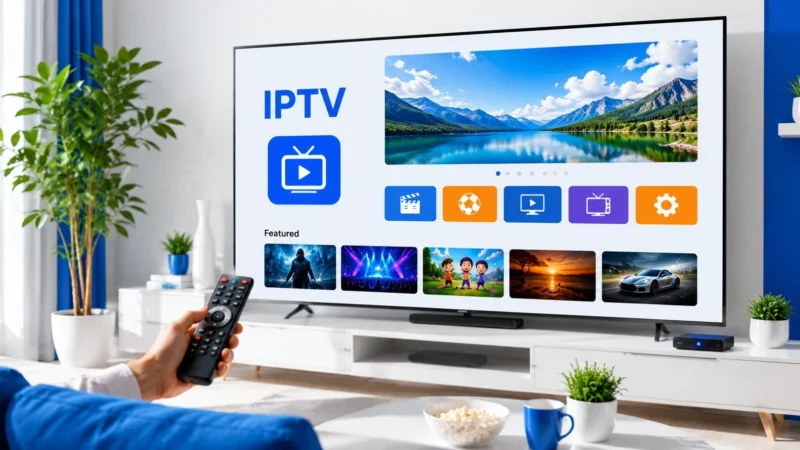
IPTV VOD (Video on Demand) gives you access to movies and TV series directly through your IPTV subscription. Instead of subscribing to separate streaming services, many IPTV providers include extensive VOD libraries alongside live channels.
What Is IPTV VOD?
VOD in IPTV refers to on-demand content — movies, TV series, documentaries, and shows that you can watch anytime. Unlike live TV channels that broadcast on a schedule, VOD content is stored on the provider’s servers and available to stream whenever you choose. Most IPTV providers organize VOD into categories like Movies, Series, and Documentaries.
VOD vs Live TV
- Live TV: Scheduled broadcasts, real-time, channel surfing, requires EPG for guidance
- VOD: On-demand, choose what to watch and when, content organized in libraries
How to Access IPTV VOD
In TiviMate
- Open TiviMate and scroll to the VOD section in the sidebar
- Browse movies by category or use the search function
- Select a movie or series episode
- Press OK to start streaming
- Use playback controls for pause, rewind, and fast-forward
In IPTV Smarters Pro
- Open IPTV Smarters Pro
- Select the Movies or Series tab from the main menu
- Browse categories or use the search bar
- Tap on a title to see details, cover art, and description
- Tap Play to start streaming
In Kodi
- Install the PVR IPTV Simple Client add-on
- Configure with your M3U playlist
- Navigate to TV or Videos section
- VOD content appears alongside live channels if your provider includes it
IPTV VOD Quality and Formats
IPTV VOD quality varies by provider. Most offer multiple quality options for popular content. Common formats include H.264 and H.265 (HEVC) with audio in AAC or AC3.
- SD: ~1-2 GB per movie, 480p resolution
- HD: ~3-5 GB per movie, 720p-1080p resolution
- FHD: ~5-10 GB per movie, 1080p with higher bitrate
- 4K: ~15-30 GB per movie, 2160p (limited availability)
IPTV VOD vs Streaming Services
IPTV VOD libraries often include recent releases and popular classics, but the selection and organization may not match dedicated streaming services like Netflix. VOD content on IPTV typically lacks personalized recommendations, user profiles, and advanced search features. However, it is included in your IPTV subscription at no extra cost.
VOD with Xtream Codes
Providers using Xtream Codes API offer better VOD organization with separate categories for Movies and Series, search functionality, and cover art display. Xtream Codes also supports series with episode lists and season organization. See our M3U playlist guide for the difference between M3U and Xtream Codes.
Further Reading