
M3U8 vs M3U: What’s the Difference?
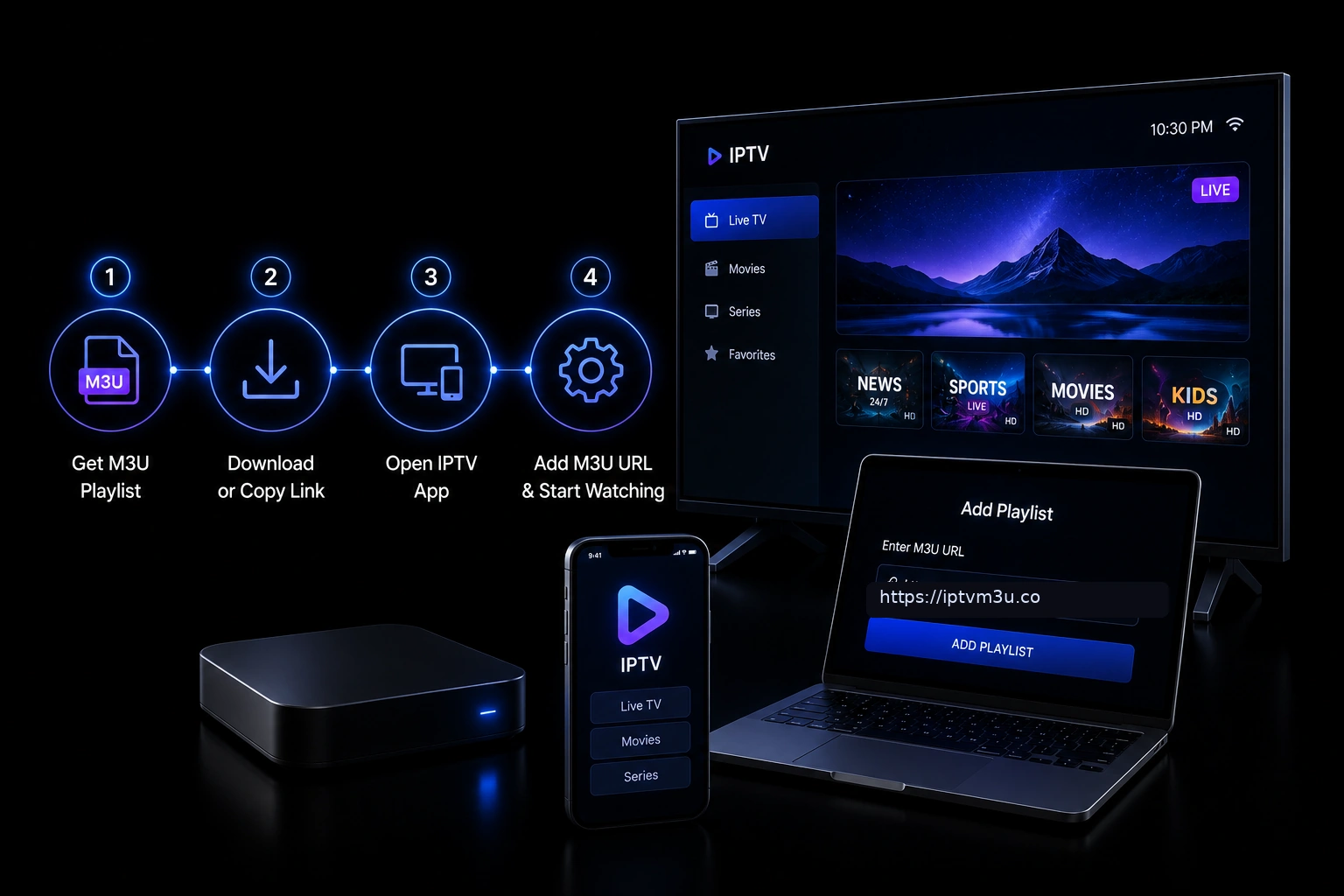 If you have worked with IPTV playlists, media streaming, or digital music collections, you have likely encountered both M3U and M3U8 files. While the names are nearly identical, the difference between these two formats affects how they handle text encoding, special characters, and international content.
M3U and M3U8 are both playlist formats that store references to media files, but they use different character encodings. M3U uses US-ASCII encoding, which limits it to basic English characters. M3U8 uses UTF-8 encoding, which supports virtually every writing system in the world, including accented characters, non-Latin alphabets, and symbols.
Choosing the right format matters most when your playlist contains non-English content. If you are organizing media with Japanese titles, French song names, or Arabic descriptions, M3U8 is the correct choice. For simple English-only playlists, M3U works perfectly fine.
If you have worked with IPTV playlists, media streaming, or digital music collections, you have likely encountered both M3U and M3U8 files. While the names are nearly identical, the difference between these two formats affects how they handle text encoding, special characters, and international content.
M3U and M3U8 are both playlist formats that store references to media files, but they use different character encodings. M3U uses US-ASCII encoding, which limits it to basic English characters. M3U8 uses UTF-8 encoding, which supports virtually every writing system in the world, including accented characters, non-Latin alphabets, and symbols.
Choosing the right format matters most when your playlist contains non-English content. If you are organizing media with Japanese titles, French song names, or Arabic descriptions, M3U8 is the correct choice. For simple English-only playlists, M3U works perfectly fine.
What Is an M3U Playlist?
An M3U playlist is a plain text file that lists the locations of multimedia files using US-ASCII encoding. The format was originally developed for MP3 audio files but has since expanded to support video, streaming URLs, and IPTV channel lists. M3U files use the.m3u file extension and contain a series of file paths or URLs. Each entry may include metadata such as track title and duration using #EXTINF tags. The format remains one of the most widely supported playlist standards across media players, operating systems, and devices.
What Is an M3U8 Playlist?
An M3U8 playlist is functionally identical to an M3U playlist but uses UTF-8 encoding instead of US-ASCII. The name M3U8 literally means M3U with UTF-8 encoding. The “8” in M3U8 refers to UTF-8, the dominant character encoding on the modern web. M3U8 files typically use the.m3u8 file extension. They are commonly used in HTTP Live Streaming (HLS), Apple’s streaming protocol, which relies on M3U8 playlists to deliver video content across the internet. Major streaming platforms such as YouTube, Netflix, and Hulu use M3U8 playlists as part of their video delivery infrastructure.
Key Differences Between M3U and M3U8
Character Encoding
The fundamental difference between M3U and M3U8 is character encoding. M3U is limited to US-ASCII, which supports only 128 characters. M3U8 supports UTF-8, which can represent over one million characters from every writing system in the world.| Feature | M3U | M3U8 |
|---|---|---|
| Encoding | US-ASCII | UTF-8 |
| File Extension | .m3u | .m3u8 |
| International Characters | Not supported | Fully supported |
| HLS Compatibility | Not compatible | Required |
| File Size (text only) | Smaller | Slightly larger |
| Media Player Support | Universal | Nearly universal |
File Extension
M3U files use the.m3u extension. M3U8 files use .m3u8. The extensions help media players identify the correct encoding without needing to inspect the file contents.
HLS Streaming Compatibility
Apple’s HTTP Live Streaming (HLS) protocol requires M3U8 playlists. If you are setting up live or on-demand video streaming for iOS devices, smart TVs, or web browsers using HLS, you must use the M3U8 format. This is the single most important practical difference between the two formats.Media Player Support
Most modern media players support both M3U and M3U8. Players like VLC Media Player, Kodi, and IPTV Smarters automatically detect the encoding and handle both formats. Older or simpler players may only support standard M3U files.M3U vs M3U8: Code Example
Here is the same playlist shown in both formats to illustrate the encoding difference.Standard M3U (ASCII only)
#EXTM3U

#EXTINF:-1,News Channel
http://example.com/stream/news.m3u8

#EXTINF:-1,Sports Channel
http://example.com/stream/sports.m3u8

#EXTINF:-1,Movie Channel
http://example.com/stream/movie.m3u8
M3U8 with UTF-8 (international characters)
#EXTM3U

#EXTINF:-1,Canal de Noticias
http://example.com/stream/noticias.m3u8

#EXTINF:-1,Chaine Sportive
http://example.com/stream/sport.m3u8

#EXTINF:-1,Музыкальный Канал
http://example.com/stream/music.m3u8
As you can see, the structure is identical. Only the character encoding changes. The M3U8 version can display Spanish accented characters (Canal, Chaine) and Cyrillic text (Музыкальный Канал), while standard M3U cannot.
When to Use M3U
M3U is the better choice when your content uses only basic English characters. Simple music playlists, local video collections, and English-only IPTV channel lists work perfectly with standard M3U files. Advantages of M3U include slightly smaller file sizes, universal compatibility with all media players including legacy software, and simpler file handling for basic use cases.When to Use M3U8
M3U8 is required when your playlist includes non-ASCII characters, you are working with HLS streaming, or your content targets international audiences. M3U8 is essential in these scenarios: IPTV playlists with multilingual channel names, HLS video streaming for web and mobile delivery, media collections with non-English titles, and any playlist that uses special symbols or accented characters. For a detailed comparison of playlist formats, see our M3U format comparison guide.Do Media Players Handle Both Formats?
Most modern media players support both M3U and M3U8 without issues.VLC Media Player
VLC handles both formats automatically. It detects the encoding from the file extension and renders titles correctly. Check our VLC M3U setup guide for configuration details.IPTV Smarters
IPTV Smarters supports M3U8 playlists directly, making it ideal for IPTV services that use UTF-8 encoded channel lists. See our IPTV Smarters guide for more information.TiviMate
TiviMate handles both M3U and M3U8 playlists, automatically detecting the format from the file extension. Visit our TiviMate guide for setup instructions.Kodi
Kodi supports M3U and M3U8 imports through its playlist system. Our Kodi playlist guide covers both formats.OTT Navigator
OTT Navigator works with both M3U and M3U8 playlists on Android devices. See our OTT Navigator guide for details.M3U8 in HLS Streaming
HTTP Live Streaming (HLS) uses M3U8 playlists as its manifest format. An HLS stream uses multiple M3U8 files to organize video segments, quality levels, and subtitle tracks. A typical HLS M3U8 playlist looks like this:#EXTM3U #EXT-X-VERSION:3 #EXT-X-STREAM-INF:BANDWIDTH=1280000,RESOLUTION=720x480 http://example.com/low.m3u8 #EXT-X-STREAM-INF:BANDWIDTH=2560000,RESOLUTION=1280x720 http://example.com/mid.m3u8 #EXT-X-STREAM-INF:BANDWIDTH=5120000,RESOLUTION=1920x1080 http://example.com/high.m3u8HLS uses M3U8 exclusively because the format must support international audiences, multiple language tracks, and special characters in stream metadata. If you are developing streaming applications, you can validate your M3U8 files with our M3U validator tool to ensure compatibility.
Common Misconceptions
M3U8 Is Not a Video Format
M3U8 is a playlist format, not a video format. It does not contain video data. It only lists the locations of video segments or streams. Learn more about what playlists can and cannot do in our guide to what an M3U playlist is.M3U8 Does Not Mean Better Quality
The “8” in M3U8 refers to UTF-8 encoding, not video quality or resolution. An M3U8 playlist delivers the same media as an M3U playlist.You Cannot Convert M3U to M3U8 by Renaming
Renaming a file from .m3u to .m3u8 does not change its encoding. The file must be properly saved as UTF-8 to function as an M3U8 playlist. Most text editors allow you to choose the encoding when saving.How to Create an M3U8 Playlist
Creating an M3U8 playlist is nearly identical to creating an M3U playlist. The only difference is that you must save the file with UTF-8 encoding. Open a text editor that supports UTF-8 encoding, add the EXTM3U header, add your media entries with EXTINF tags, save the file with the .m3u8 extension using UTF-8 encoding, and test the playlist in a compatible media player. For a step-by-step walkthrough, see our M3U creation guide.Frequently Asked Questions
What does M3U8 stand for?
M3U8 stands for M3U with UTF-8 encoding. The “8” refers to UTF-8, the Unicode character encoding format.Can I use an M3U playlist instead of M3U8?
Yes, for simple English-only playlists. However, for HLS streaming or any content with non-English characters, M3U8 is required.Is M3U8 better than M3U?
Not inherently. M3U8 supports more characters, but M3U has slightly broader compatibility with older software. The best format depends on your specific use case.Can VLC play M3U8 files?
Yes, VLC Media Player fully supports both M3U and M3U8 playlists.Why does HLS use M3U8 instead of M3U?
HLS uses M3U8 because UTF-8 encoding supports international characters, multiple language tracks, and special metadata that HLS requires for global content delivery.How do I convert an M3U file to M3U8?
Open the M3U file in a UTF-8 compatible text editor, save it with the .m3u8 extension, and choose UTF-8 encoding when saving.Are M3U8 files larger than M3U files?
Slightly, for files containing non-ASCII characters. For English-only content, the size difference is negligible.Does IPTV use M3U or M3U8?
IPTV services commonly use both. Many providers use M3U for simple channel lists and M3U8 for playlists with international channel names or HLS-based streams.What is the M3U8 file extension?
The standard file extension is .m3u8. Some systems also use .m8u, but .m3u8 is far more common.Can I edit an M3U8 file in Notepad?
Yes, but you must ensure Notepad saves the file with UTF-8 encoding. Windows Notepad defaults to UTF-8 in modern versions of Windows.Key Takeaways
M3U and M3U8 are functionally identical playlist formats that differ only in character encoding: M3U uses US-ASCII while M3U8 uses UTF-8. M3U8 is required for HLS streaming and any playlist containing non-English characters. Most modern media players support both formats automatically. The .m3u8 extension signals UTF-8 encoding to media players and streaming software.Conclusion
The difference between M3U and M3U8 comes down to one question: does your playlist need to support international characters? If yes, use M3U8. If your content is purely English and ASCII-friendly, M3U works perfectly. For most IPTV users, the distinction matters less than you might think. Modern media players detect the encoding automatically, and both formats use the same basic structure. The most important rule is to use M3U8 for HLS streaming and playlists with non-English content, and standard M3U for everything else. Ready to build your own playlist? Try our M3U guides collection for tutorials on creating, editing, and optimizing playlists for any use case.Ready to Start Streaming?
Get your free M3U playlist and start streaming on all your devices today.